Powered by MiniMax H3 Max

MiniMax H3 Image to Video with Sound

Create MiniMax H3 image-to-video clips with the H3 Max model. Upload a photo, describe the motion and sound, then generate a 5, 10 or 15-second video in 768p to preview and download.

A photo, product shot or illustration

JPG, PNG or WebP · up to 2 MB · original image ratio

0/5000

Duration

Output

768p · follows your image ratio

99creditsper generation

Your video preview

Upload an image and describe how it should move. Sound generated with the video

See image to video in motion

MiniMax H3 image-to-video examples with sound

See how our AI image to video generator turns a source image and a clear motion direction into a MiniMax H3 Max clip.

Original skincare serum product image
↔

01 · Product campaign

Turn a clean product still into a campaign.

Motion direction Summer rain enters the frame, droplets gather on the glass, wildflowers move in the breeze and warm light breaks through for the final reveal.

MiniMax H3 Max768P10 seconds
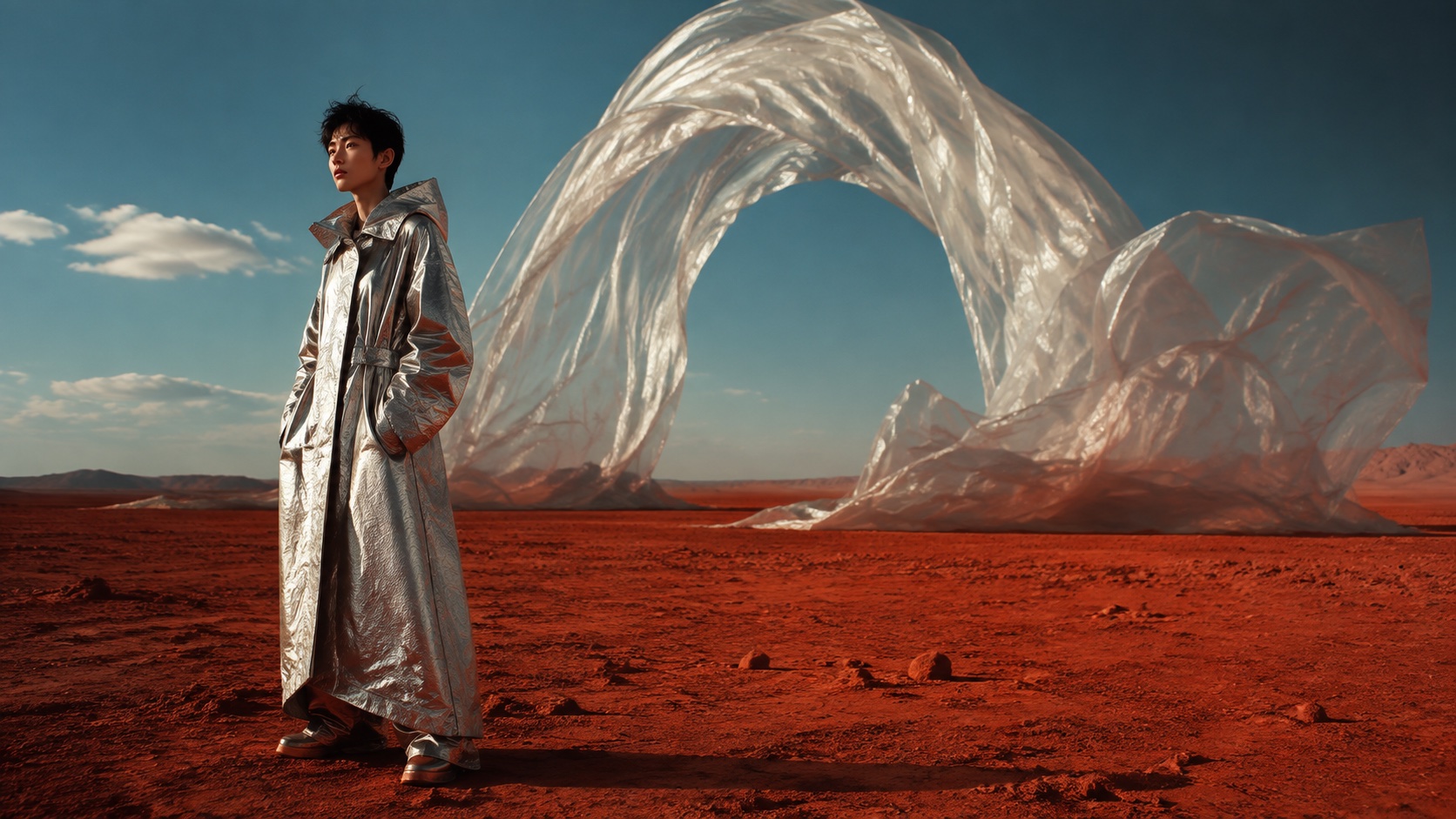
02 · Fashion film

Let the whole frame catch the wind.

Original desert fashion image

00:00

The still frame

00:03

The fabric catches the wind.

00:07

The camera sweeps into a close-up.

Image to video

03 · Prompt anatomy

Write motion-first prompts.

Subject

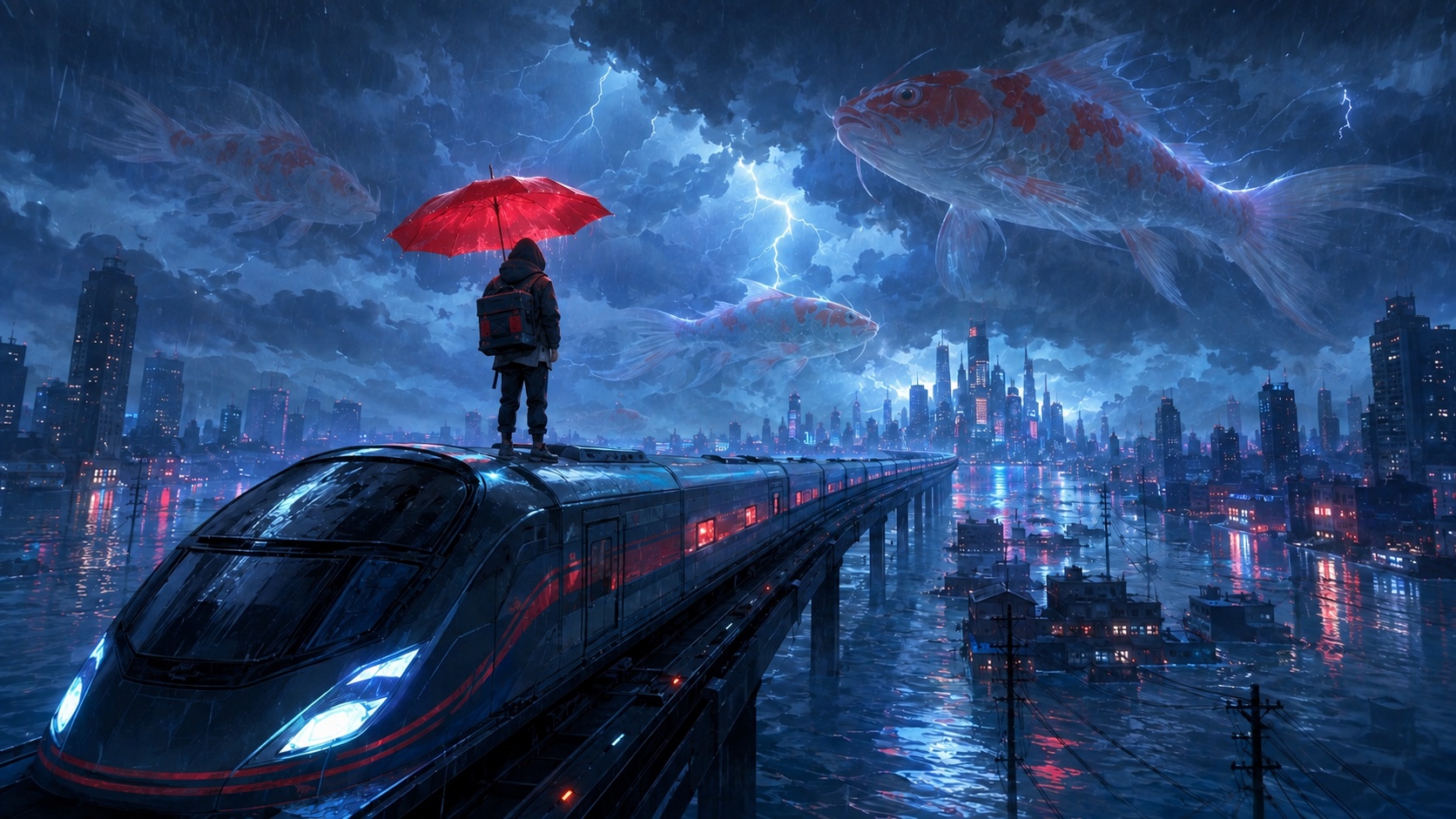
The maglev train surges forward.

Camera

Track alongside at matching speed.

Environment

Heavy rain, lightning and wet reflections.

Scale

Giant koi swim through the storm clouds.

MiniMax H3 Max · Image to video

More ways to move

Six vertical image-to-video ideas for social-first stories.

Surreal advertising
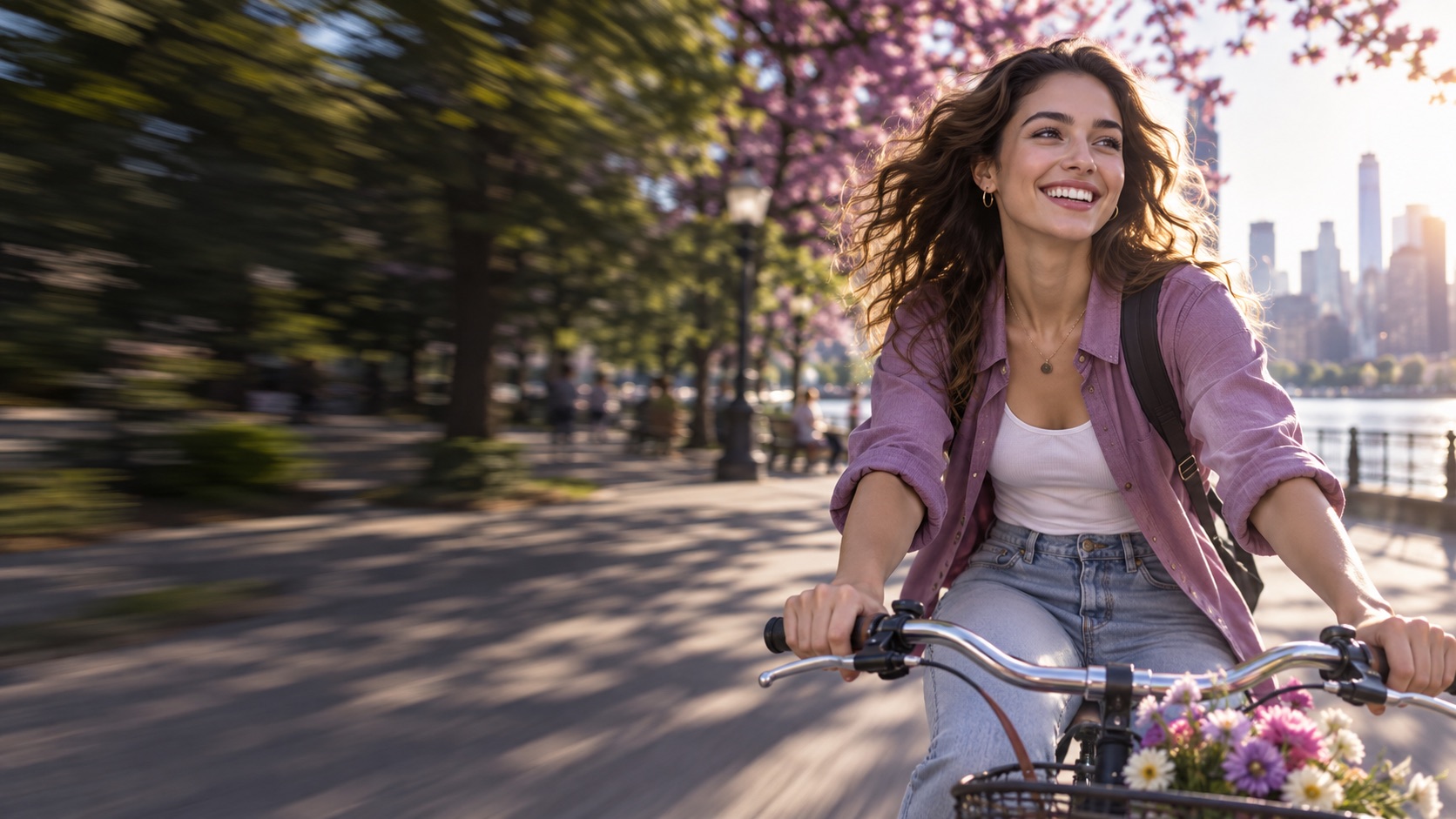
Social media content
Character & IP stories
Spaces & interiors
Art & visual experiments
Fantasy & mood films

Have a still image ready for AI image to video?

Create your image to video

Still image. Clear direction. Moving scene.

A clear MiniMax H3 image-to-video workflow

01

Choose the first frame

Upload a JPG, PNG or WebP image up to 2 MB. A clear subject and a little room around it give the motion somewhere to go. Your source image sets the video’s proportions, so start with a vertical photo for a vertical clip.

02

Tell the scene what to do

Describe movement rather than repeating everything in the picture. Try a slow camera push-in, drifting clouds or a gentle turn of the subject. One focused action is a useful starting point; competing actions can make a short clip harder to control.

03

Generate, review, download

Choose 5, 10 or 15 seconds and check the credit cost before generating. Review the result in your browser, then download the video. If you want another take, refine the movement prompt and generate again. Each new generation uses credits.

Built for the images you already have

MiniMax image-to-video ideas for six real workflows

From product launches to cinematic worlds, turn a still frame into a short video with one clear motion prompt.

Social Media Content image to video example

01

Social Media Content

Make still images move for TikTok, Reels and Shorts.

Product Ads image to video example

02

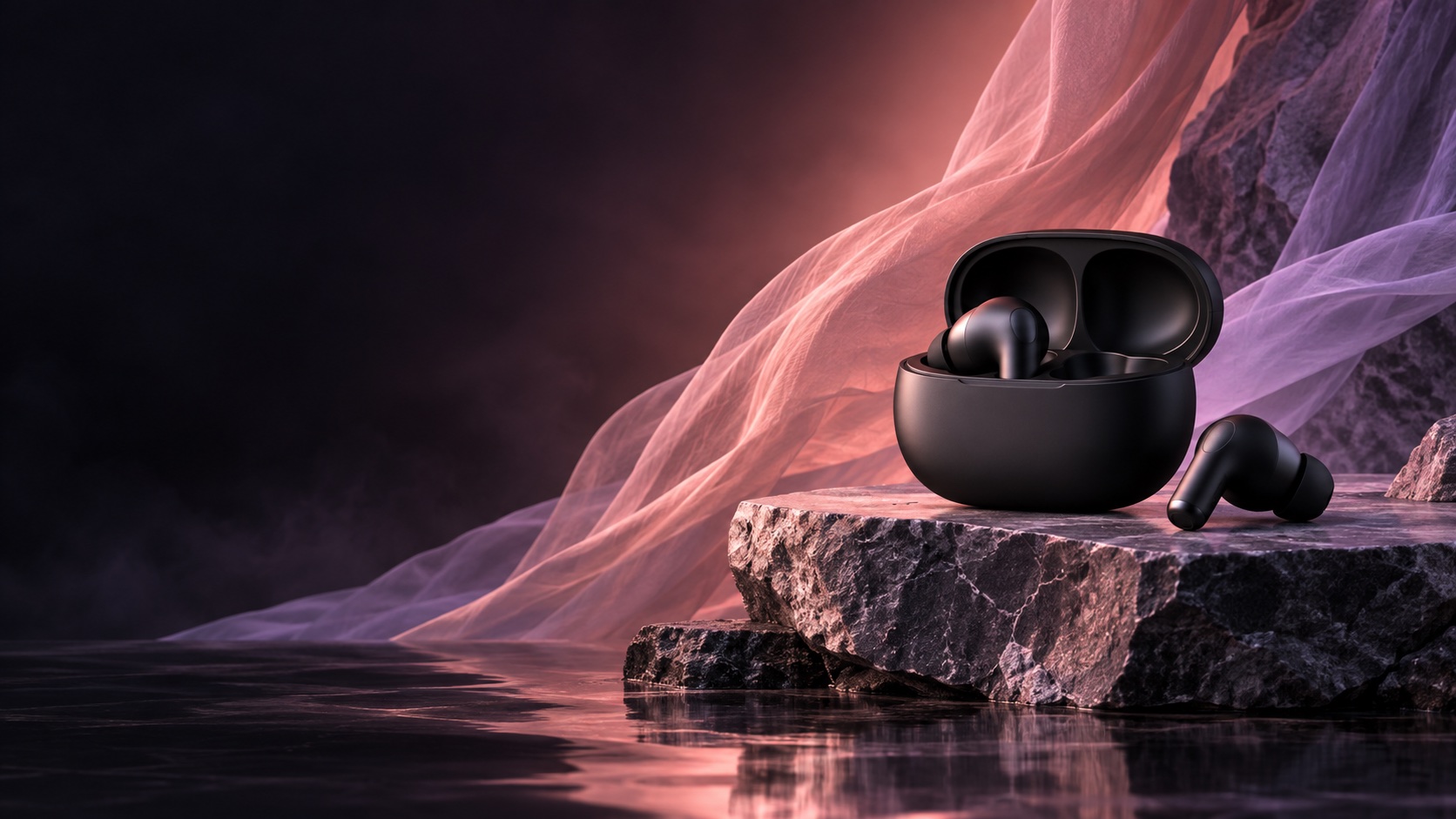
Product Ads

Turn product photos into polished ad creative.

UGC & Creator Content image to video example

03

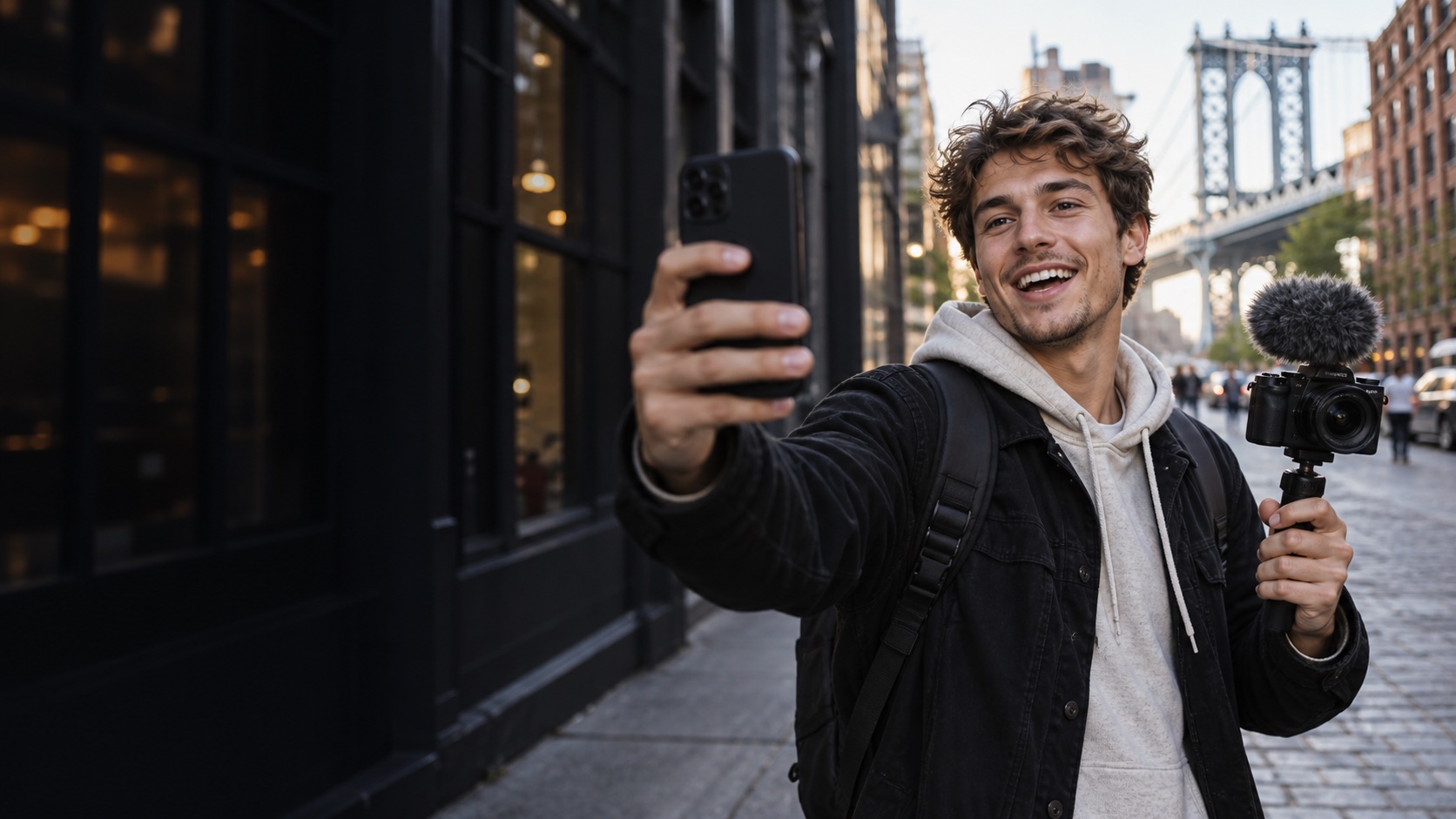
UGC & Creator Content

Give creator posts and personal brands more movement.

Brand Campaigns image to video example

04

Brand Campaigns

Build campaign visuals and social cutdowns from one frame.

Storyboards & Previsualization image to video example

05

Storyboards & Previsualization

Preview camera movement before production begins.

Real Estate & Interiors image to video example

06

Real Estate & Interiors

Add life and a sense of scale to spaces and listings.

ONE-TIME CREDITS

See the cost before you generate

No API setupOne-time creditsClear video countsFailed-task refunds

Starter

01

$9.90

one-time payment

1,000 credits

  • Up to 10 × 5s videos
  • 105s videos510s videos315s videos
For regular creators

Creator

02

$29.90

one-time payment

3,200 credits

  • Up to 32 × 5s videos
  • 325s videos1710s videos1215s videos

Studio

03

$59.90

one-time payment

6,900 credits

  • Up to 69 × 5s videos
  • 695s videos3810s videos2615s videos

Generation cost: 5s = 99 credits · 10s = 179 credits · 15s = 259 credits

Counts show one duration at a time. Your remaining credits can be used across 5s, 10s and 15s videos.

The model behind the motion

Generate motion and sound with MiniMax H3 Max

MiniMax H3 Max turns a still image and a motion prompt into a short video with synchronized audio. I2video brings the image input, motion controls, credits and result into one focused image-to-video workflow.

This MiniMax H3 image-to-video workflow uses the H3 Max model for product launches, social posts and cinematic concept tests.

Start from your image

Keep the composition and subject from your first frame.

Direct the camera

Prompt a push-in, tracking shot or simple subject action.

Generate with sound

Add ambient audio and sound effects with the motion.

Learn about MiniMax

From image to video

Direct motion and sound in one prompt

Start with an image, then describe how the subject, camera and sound should change. MiniMax H3 Max generates the motion and synchronized audio together.

A focused image to video prompt gives the generator clear timing and makes each creative iteration easier to review.

Prompt

One action + one camera move + one sound cue.

Preview

Check motion and synchronized audio in the browser.

Refine

Make small prompt edits for a cleaner second take.

Your creative goal

MiniMax H3 Max

Bring a still image to life

Use your image as the starting frame and describe the movement.

Direct the camera and subject

Prompt a slow push-in, a tracking shot or a simple subject action.

Add sound to the scene

Describe ambient sounds and sound effects alongside the visual action.

Create a short, focused clip

Choose 5, 10 or 15 seconds with 768p output on I2video.

For more predictable results, start with one clear action and one camera movement. Results vary with the source image and prompt.

Before you generate

MiniMax H3 image-to-video FAQ

Learn what to upload, how to direct motion, how credits work and what to expect from your first video.