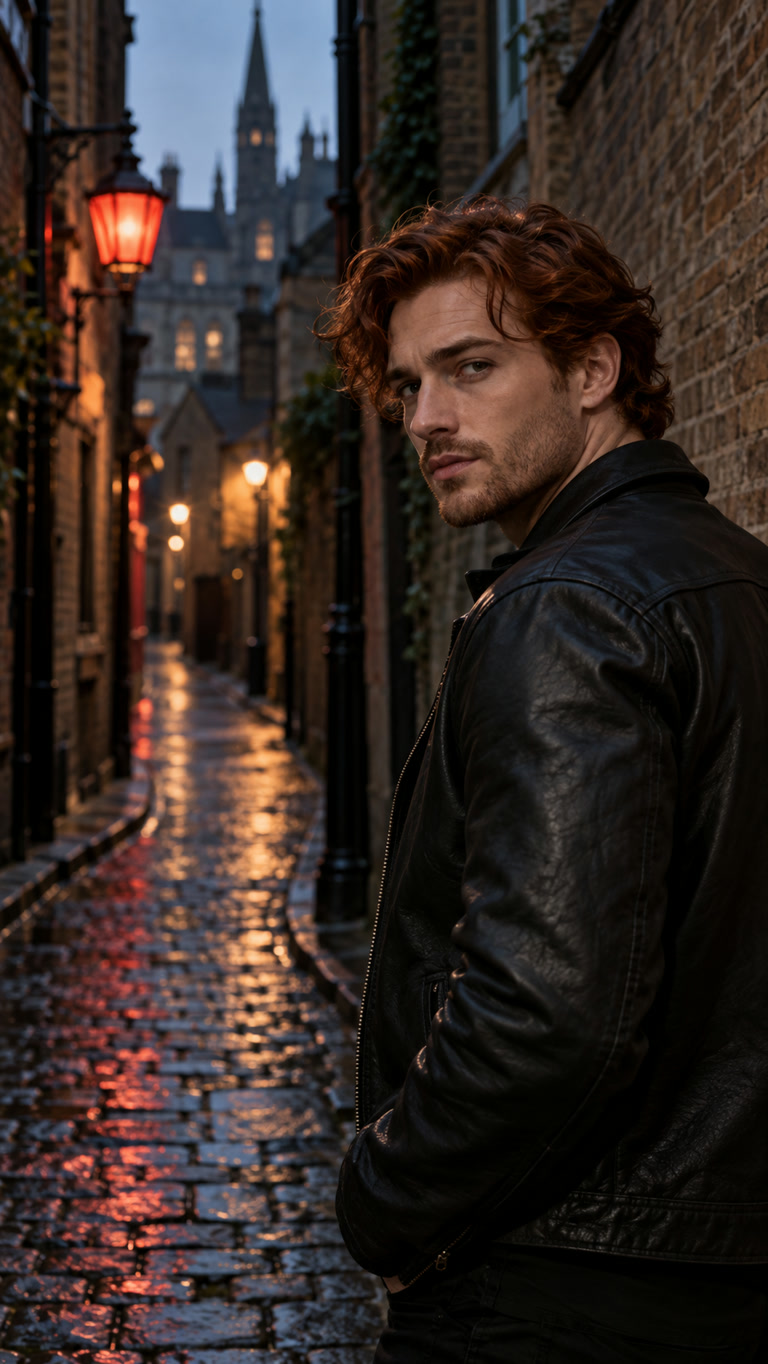
Vampire Awakening
A bat swarm wipes across the lens before a fast crimson-eyed street reveal.
Your dark side. In motion.
Create a Halloween AI video from your photo. Choose vampire eyes, black angel wings or a spectral skull, with cinematic dark lighting and eerie sound.
Made for your next TikTok, Reel or midnight story.
A clear photo of you
JPG, PNG or WebP, up to 2 MB. One person, eyes open, visible shoulders. Vertical photos work well for Reels.
The effect, dark lighting and sound are already written for you. Optional edits change the next generation.
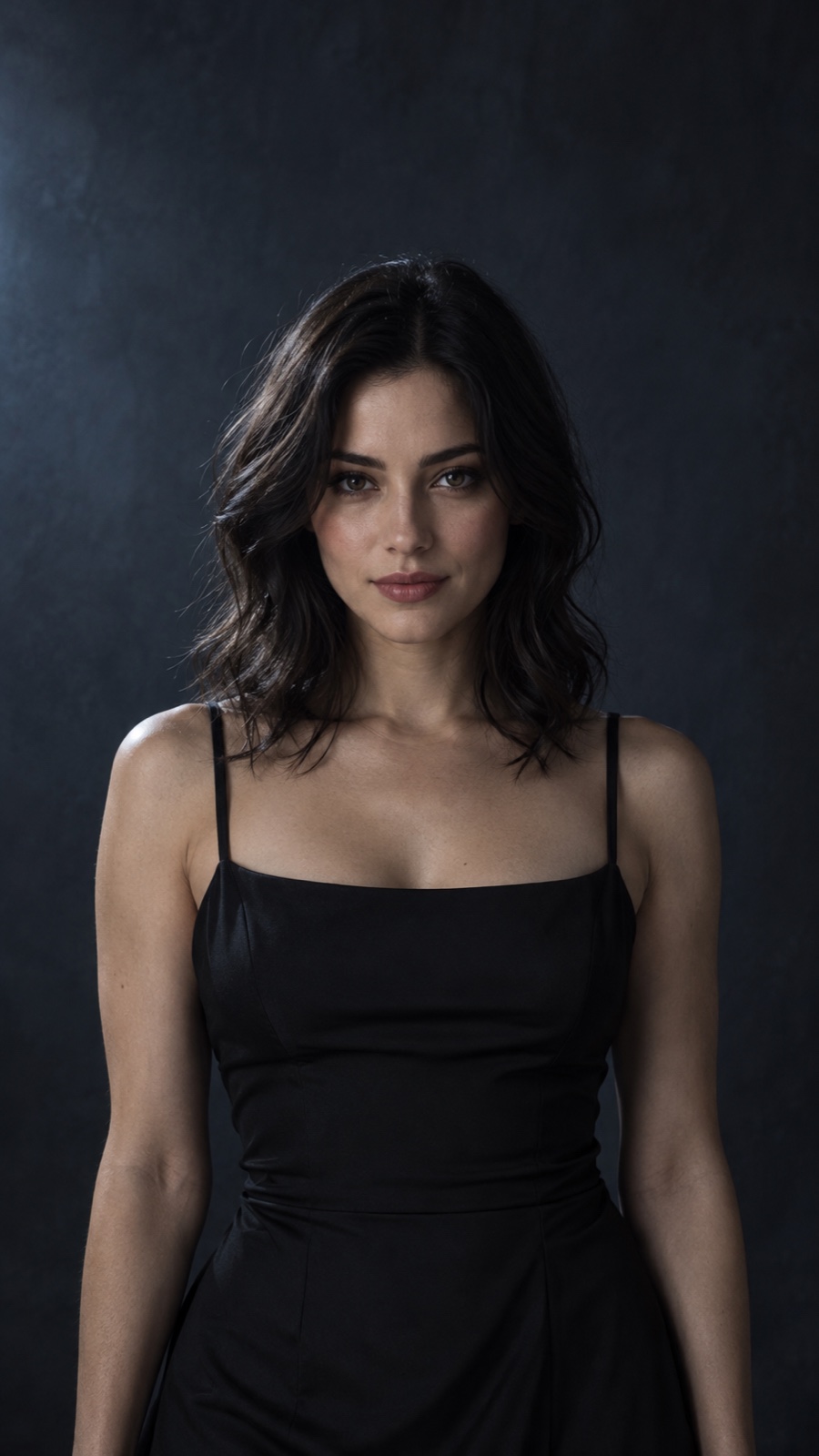
Vampire Awakening
Use the video controls to hear the dark soundtrack.
Examples use an AI-generated person and actual video outputs. Your result may vary; facial details and backgrounds can change.
Different faces, angles and starting scenes. See one Halloween effect on each portrait.
A bat swarm wipes across the lens before a fast crimson-eyed street reveal.
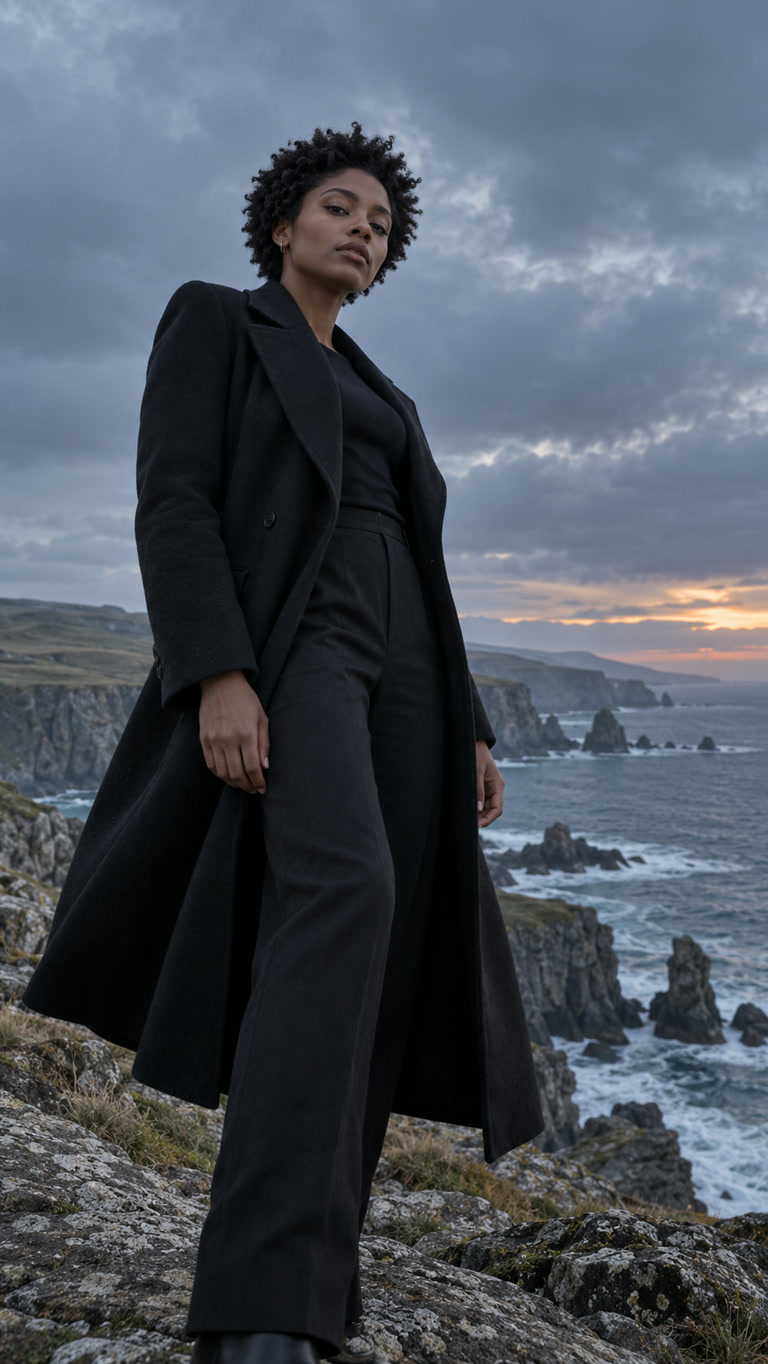
A slow low-angle arc reveals enormous wings against a coastal thunderstorm.
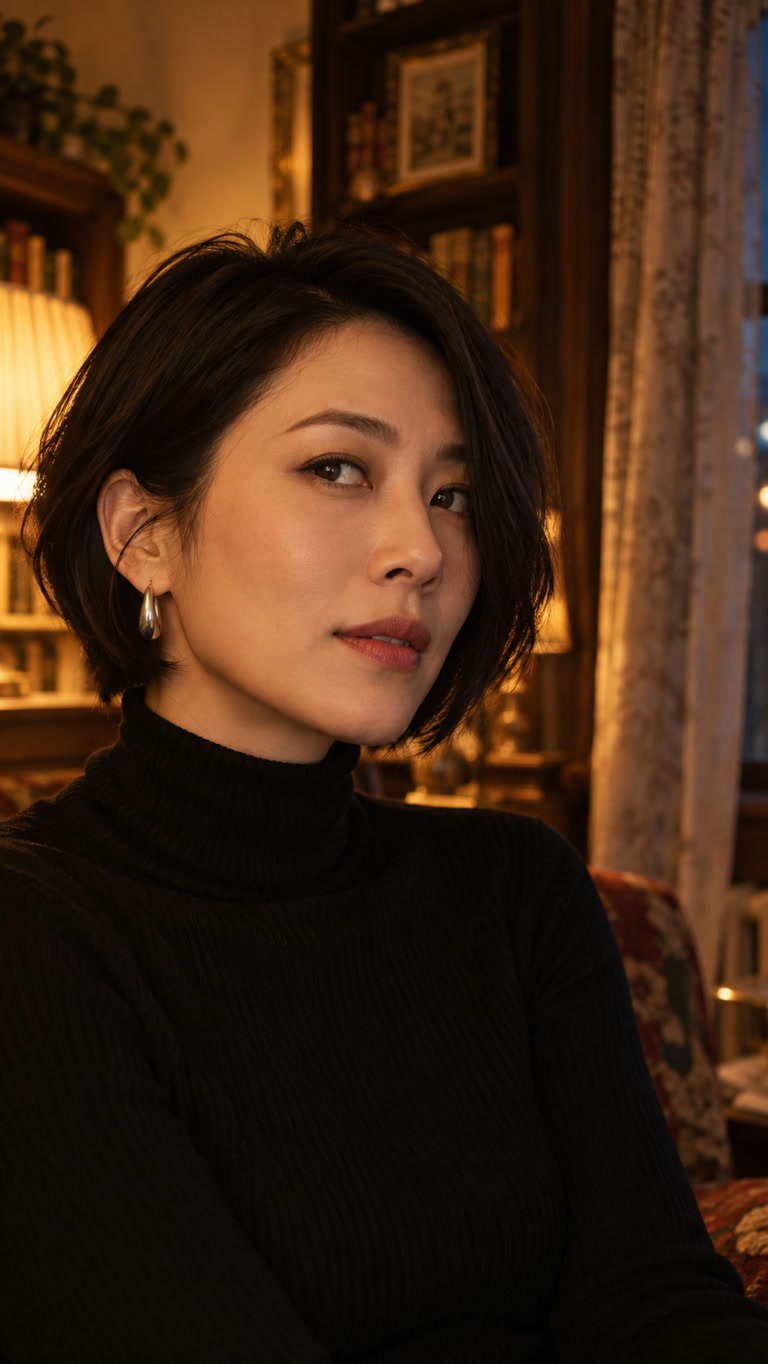
A still indoor close-up fractures into a spectral skull after a brief blackout.
Fictional AI-generated adults, animated with MiniMax H3 Max at 768P for five seconds. Each example uses one effect with scene directions adapted to its source photo. These are actual outputs; your result may vary.
Choose crimson-eyed vampire, black-winged angel or spectral skull. Each preset includes the motion, atmosphere and dark sound.
Use one clear person with visible eyes and shoulders. Start with a vertical photo if you want a vertical clip; the output follows your image proportions.
Choose a pack, sign in and pay once. Generate, preview with sound, then download your video.
One-time video packs
Make one for tonight, or try all three dark sides. Pay once, with no subscription. Existing purchased credits work here too.
1 video
One portrait. One dark reveal.
99 credits · one 5-second video
3 videos
$5.97 if bought separately
297 credits · three 5-second videos
Technical failures return generation credits. A completed result is charged even if you prefer a different look. Credit returns are different from payment refunds.
It is a photo-to-video tool with three Halloween presets: Vampire Awakening, Dark Angel and Cursed Portrait. Upload a single-person portrait and generate a short video with dark visual effects and model-generated sound.
Yes. The presets are designed to add supernatural effects and dark environments to a normal portrait. They do not require a costume. Clothing and facial details may change during generation; exact outfit replacement is not guaranteed.
The prompts ask the model to preserve your recognizable features. AI can still alter a face, especially with skull effects or large scene changes. Use a clear, front-facing portrait and review the result before sharing.
This page generates 5-second videos at 768P. The output follows the source photo ratio. Upload a vertical portrait for a vertical result; the tool does not automatically turn a horizontal photo into 9:16.
Each preset requests an eerie soundtrack with low drones and effect-specific sounds. Audio is generated with the video, so the exact sound can vary. Examples start muted; use the player controls to listen.
Generation credits are returned when a task is marked failed. If a status update is interrupted, refresh it or check credit history before starting again. A successful video that does not match your taste still uses credits.
You can download the completed video and upload it to your preferred social platform. Use photos you have permission to animate, and follow that platform’s current rules for AI-generated content.